Work links
Keep a document, project or meeting link handy, even after copying something else.
Atlas projecthttps://example.com/atlas
The clipboard manager for Mac.
A lightweight clipboard history for Mac. Text, links and images, with optional password protection.
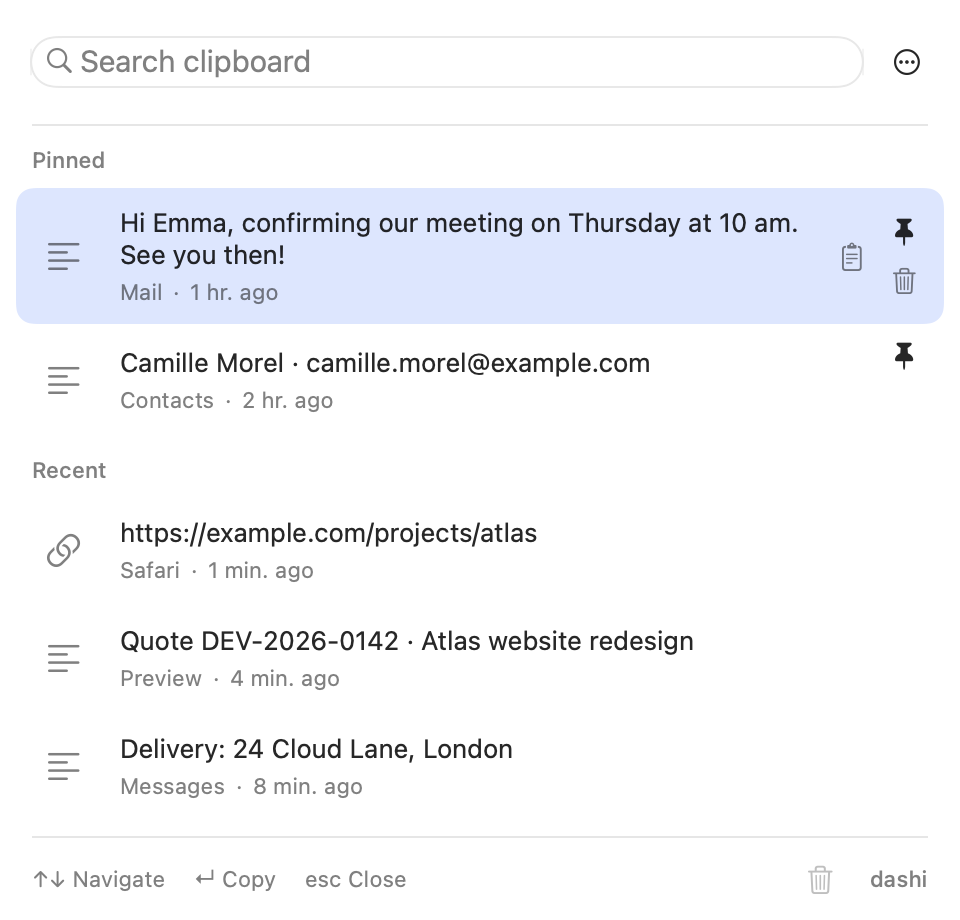
Find a link, reuse a reply and get back to work without searching everywhere.
Video in English. The site language determines the video language.
Copy a quote-within-24-hours template from Notes. Open dashi once with ⇧⌘V, pin the template and choose it. Paste it with ⌘V into your email to Emma Laurent. The email is not sent.
Copy the Atlas brief link shared by Marc Delcourt, then an invoice reference. Open dashi, search for ‘atlas’ and choose the link. Paste it into a launch task without reopening the brief. Fictional names and data.
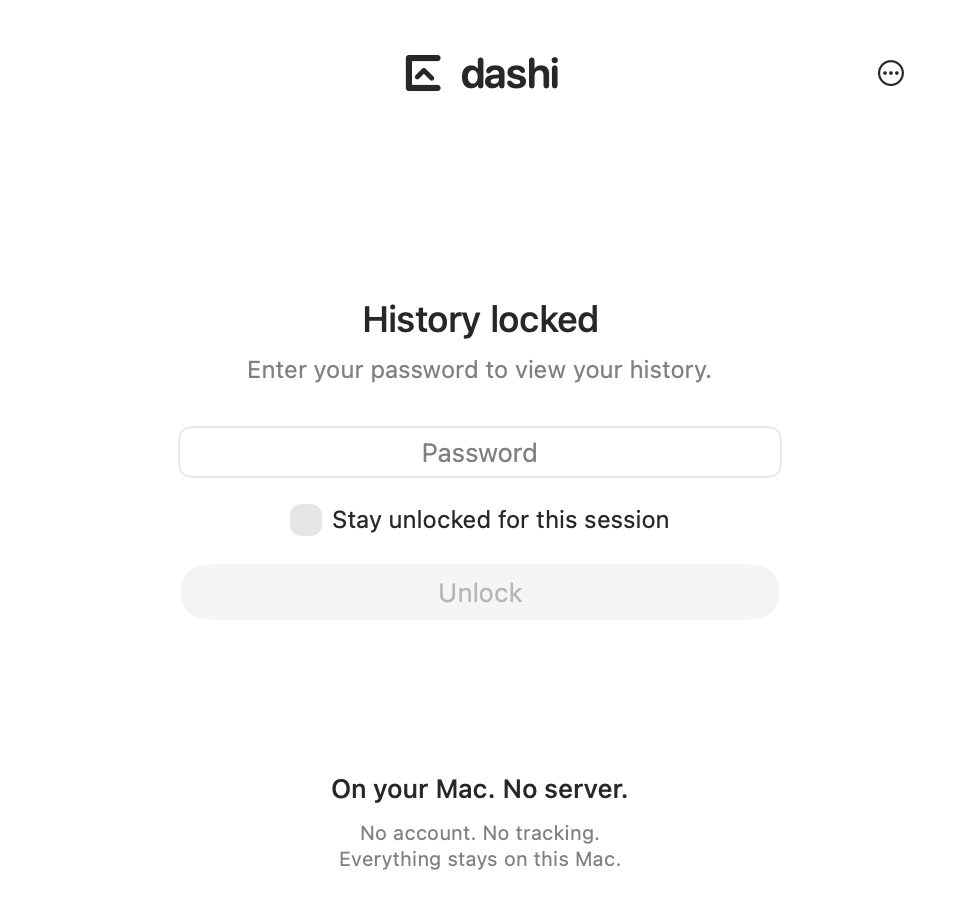
Your history stays on your Mac and is not sent to a dashi server. Password encryption is recommended at first launch. When enabled, history locks after inactivity. Local does not mean encrypted. Encryption does not protect the system clipboard.
A link lost between copies. A reply to send again. Find your content, then pin what matters.
Keep a document, project or meeting link handy, even after copying something else.
Find a familiar reply or your availability without retyping it for every message.
Keep an email address or contact details you use regularly close at hand.
Pin a quote number, order reference or case ID.
Fictional examples. Do not keep passwords in your history.
No account to create. dashi does not send your history content to a server.
Your history is stored on your computer, not in a dashi cloud.
At first launch, choose password-encrypted history or unencrypted storage. Local does not mean encrypted.
Exclude apps, set retention and limit storage. You can also pause recording.
dashi is a native app for Intel and Apple Silicon Macs running macOS 14 or later. It is not a Windows app, a browser extension or an iPhone app.
Recent macOS versions let you find copies in Spotlight. dashi offers a dedicated window, a direct shortcut, pins, adjustable retention and password encryption.
Yes: find multiple items you've already copied. On Mac, dashi opens with ⇧⌘V by default. Choose an item, press Return, then paste it into your app with ⌘V.
dashi keeps history on your Mac and does not send your copies to a server. No dashi account is needed. Apple handles purchase and download separately.
AES-256-GCM encryption protects content saved by dashi, not the system clipboard or old backups. Some metadata, such as dates and sizes, remains readable.
After the first unlock, encrypted recording continues when the panel is closed. A full lock suspends capture, after 5 minutes of Mac inactivity by default. This delay is adjustable. A forgotten password cannot be recovered.
No. The €4.99 one-time licence includes every dashi feature. There is no subscription or extra in-app purchase.

Every feature included. No subscription or in-app purchases.
4,99 €
One-time purchase · No subscription
Coming soon
For Intel and Apple Silicon Macs running macOS 14 or later.